Back to BlogFeature Release | Generate Your Own Mockup Images
Roastify Team•October 4, 2024
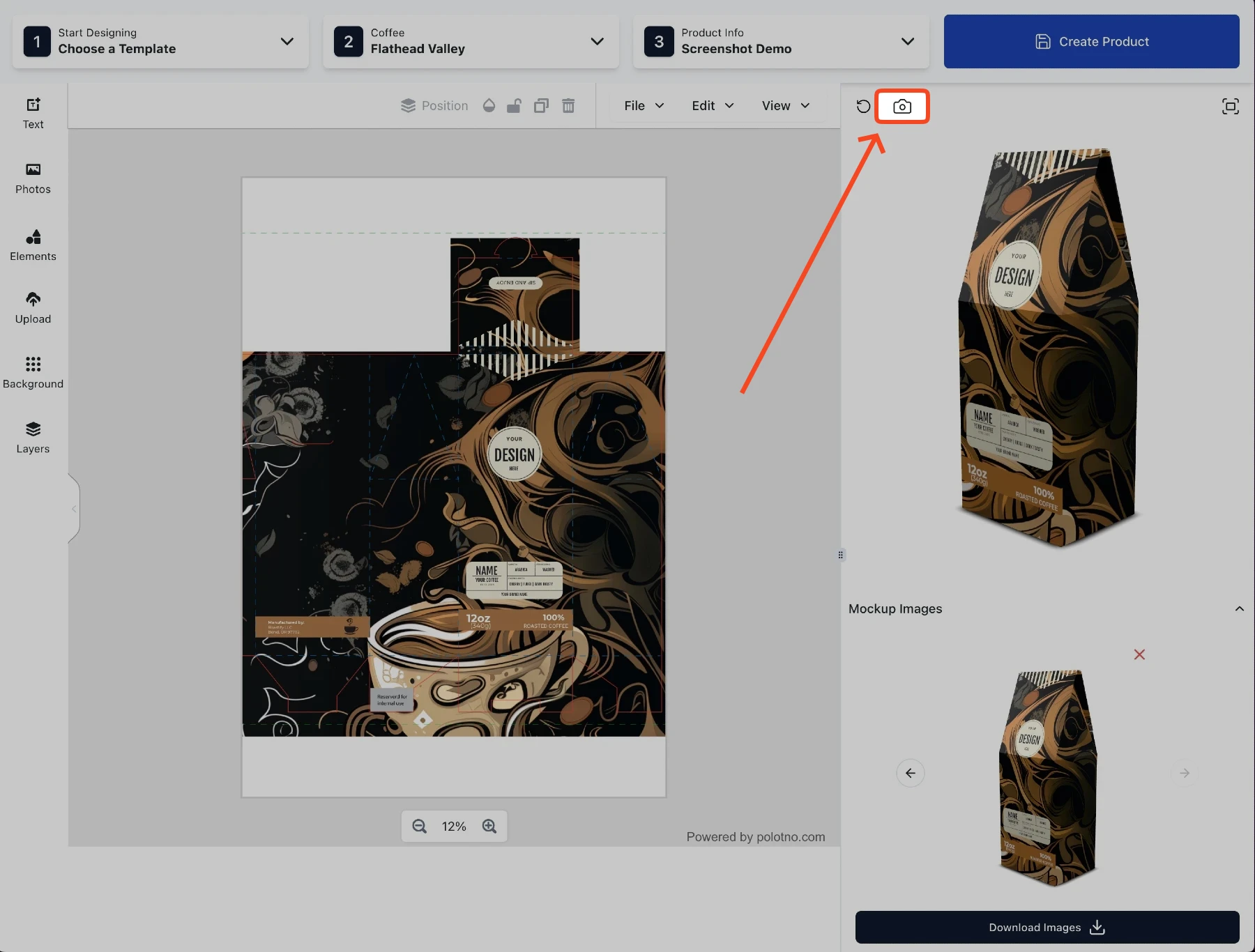
Today's newest feature has a small footprint, but a big impact for our customers who have been request this. Previously, the Roastify app would automatically generate mockup images when you created a new product. Now, you can manually generate mockup images of your new products[…]
Give The People What They Want!
Today we are releasing a feature that many of you have been asking for, and admittedly might be a bit overdue. Without further ado, I give you the generate mockup button... and the crowd goes wild... I hope ;). Hopefully this is a big help for those who have been wanting to take images of their products beyond the default two mockups that the Roastify app natively provides. You can save 4 mockups per product. However, you can take and download as many mockups as you want while designing. Only 4 mockup images are saved with your product, so be sure to use the "Download Images" button to save them to your computer if you want to keep more. You can always go back to your product and click the "Edit Design" button and take more images as needed. If you are creating a new product and you elect to not take your own mockups, the Roastify app will automatically generate two for you just the same as it always has.
Other Articles You May Enjoy

David Ilgenfritz•September 2, 2025 Roastify, the global leader in roast-on-demand coffee, is proud to announce that our specialty coffee products are now available through the Zazzle marketplace...
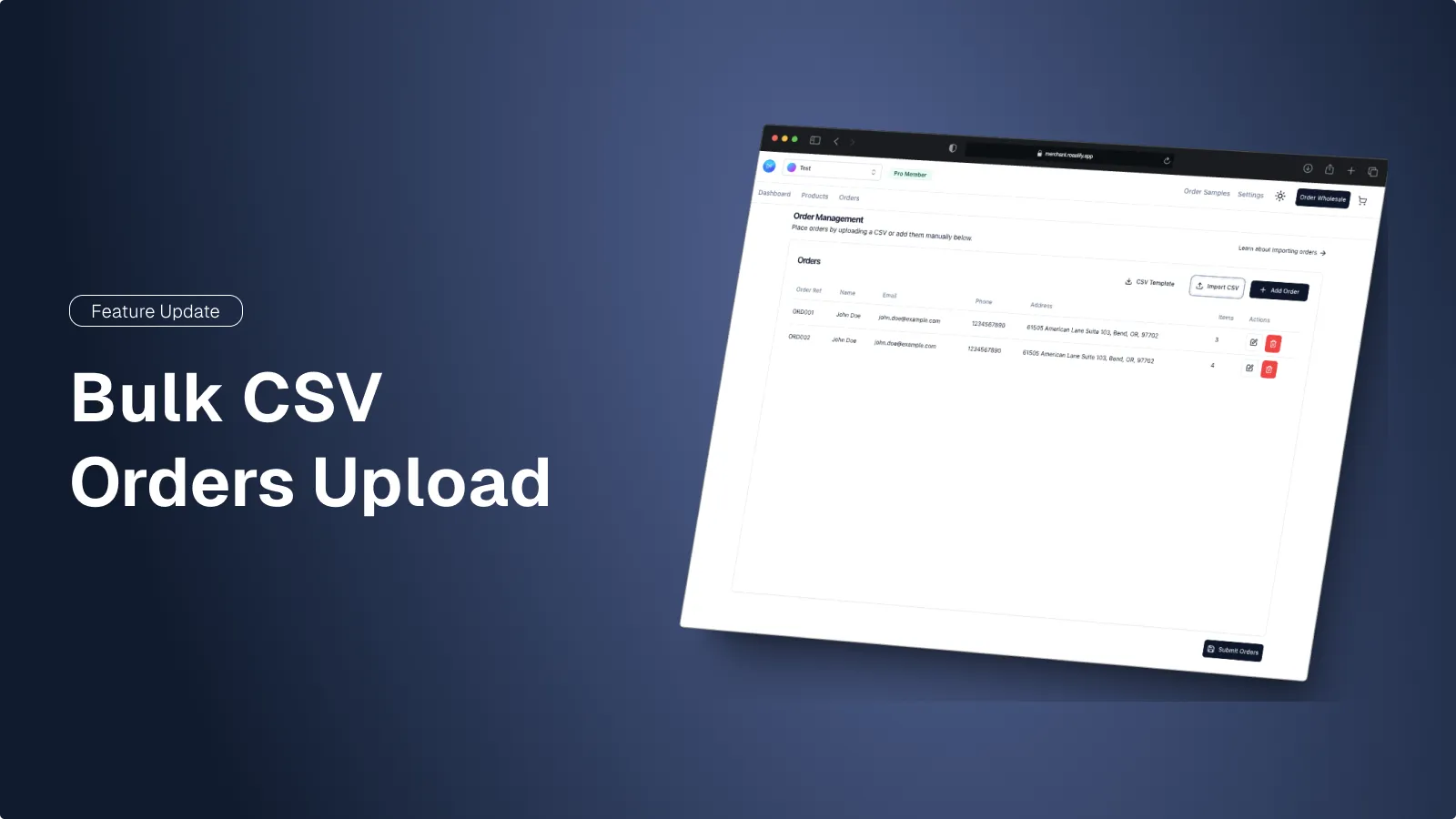
David Ilgenfritz•October 2, 2024 Introducing the newest feature in our Merchant app, bulk CSV order uploads. This new feature allows Roastify merchants to upload orders from any platform and send them directly into production. Whether Etsy, TikTok or even in-person sales at events and cafes, check out our new uploader[…]
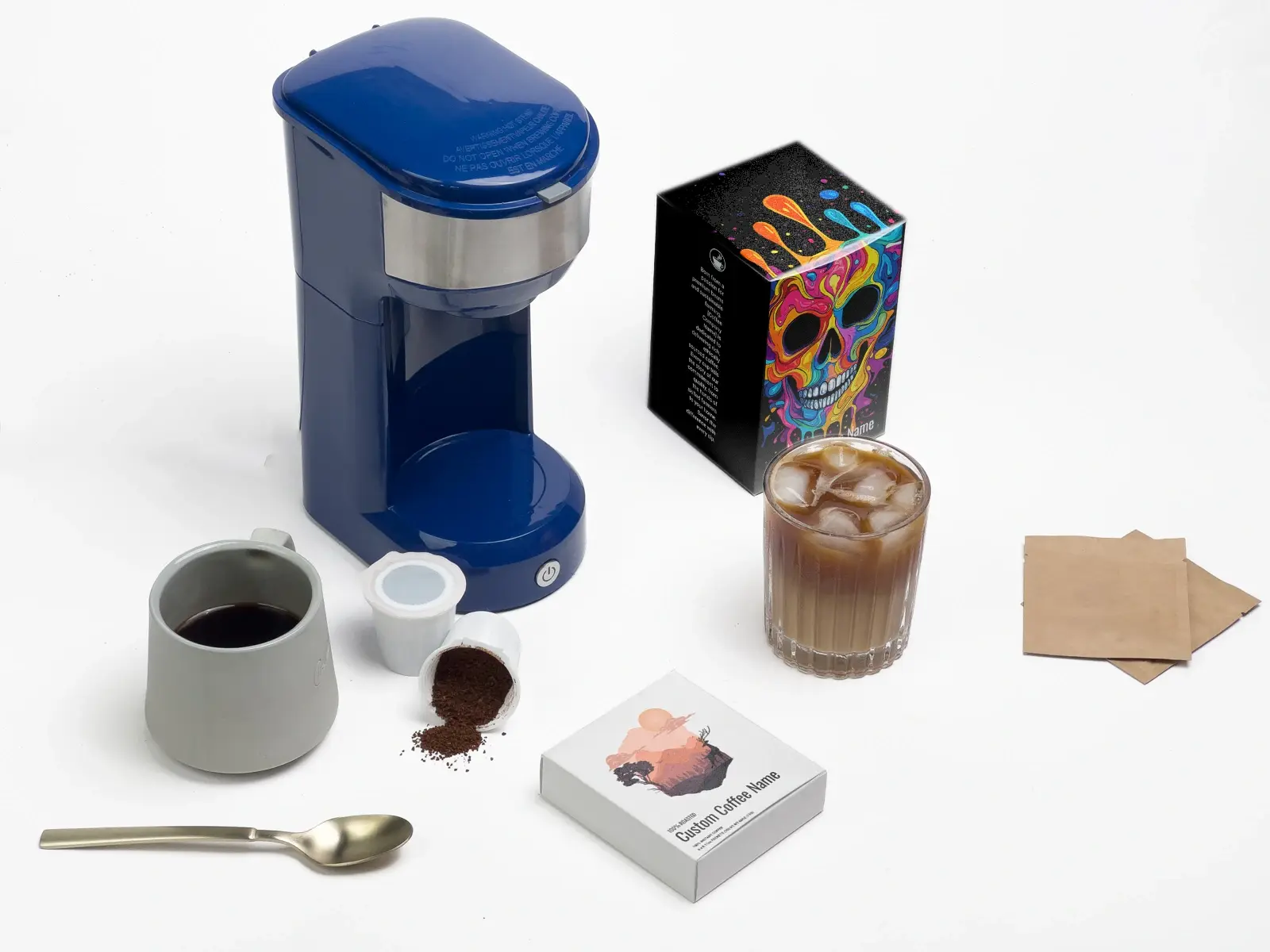
David Ilgenfritz•September 26, 2024 After the release of our new designer at the end of June, our team put our heads down for our biggest launch at Roastify to date... the launch of two new product categories and our Pro Membership platform. As many of you who have followed us for a long time know, the launch of these products has been a long time coming and the culmination of a lot of hard work [...]
Anne Juarez•July 12, 2024 After months of hard work, we are excited to announce the launch of our new designer. The new designer allows for merchants to reuse their saved designs, auto save their progress while designing, choose from a variety of templates (which we will continue to expand on the catalog), and view their mockups in 3D. We hope you love it as much as we do! Check it out now and let us know what you think or what we can do to improve it.